

Ever been scrolling through listings and one of them just makes you stop? Maybe it's the light coming through a corner unit's floor-to-ceiling windows, or a garden view you didn't expect from a mid-rise in the middle of the city. That little jolt of "wait, I like this one" is exactly what the heart button on ManilaOpenHouse is for. Tap it, and the property is saved. No more scrolling back through your search history hoping you'll recognize the thumbnail.

It sounds almost too simple to write a whole article about, and in a way, it is simple. But the small features are often the ones that quietly change how you shop for a home, so let's walk through it properly.

What hearting a property actually does
When you tap the heart icon on a listing, ManilaOpenHouse adds that property to your liked list. Think of it as a shortlist that lives outside your memory and outside your browser history, which, let's be honest, is not a reliable filing system for anyone. You could be comparing a two-bedroom in Makati against a townhouse in Quezon City against a condo near a BGC office, all discovered on different days, and the heart button is what keeps them all in one place instead of scattered across a dozen tabs you'll eventually close by accident.
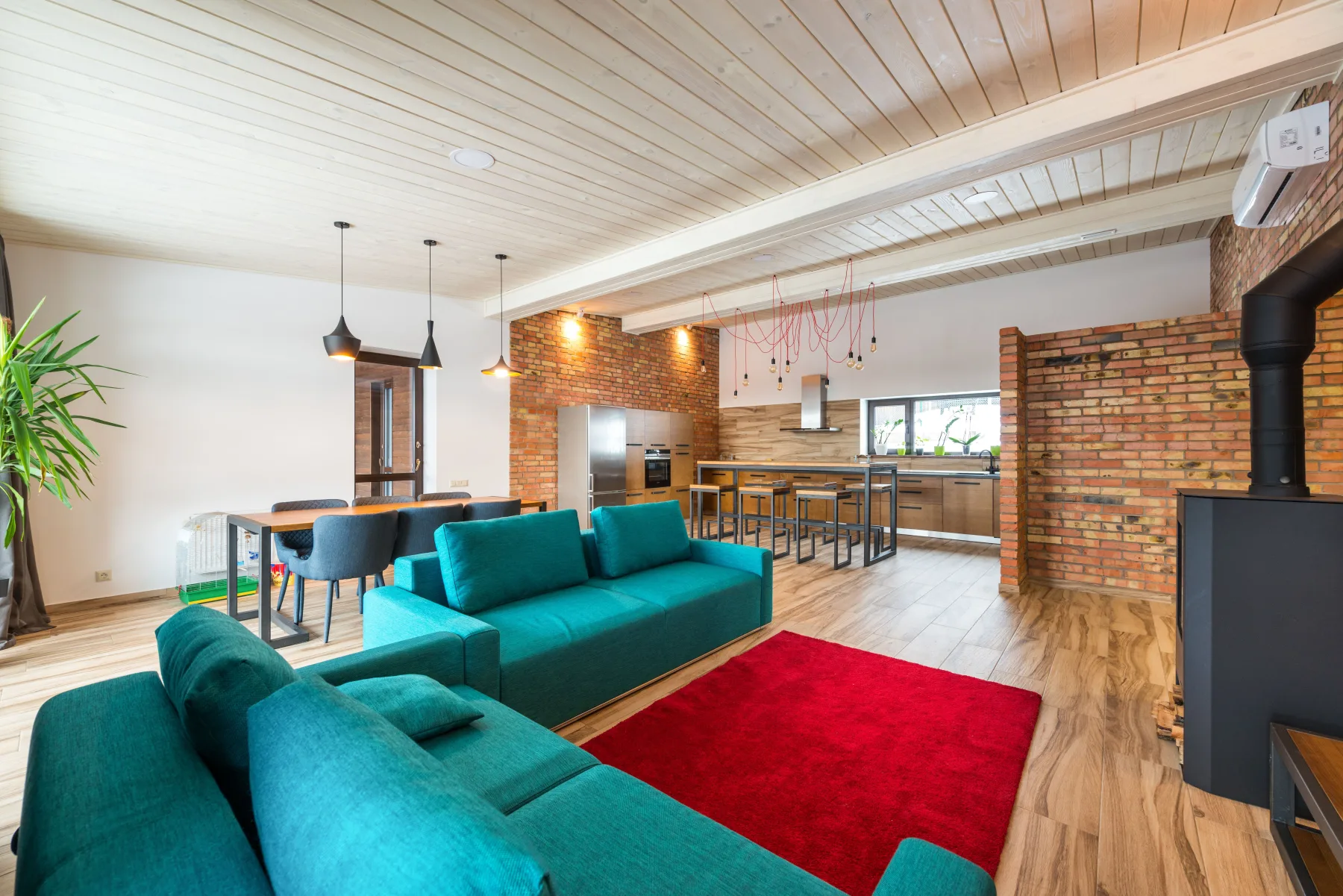
There's always something worth hearting on the site, whether you're seriously house-hunting this month or just enjoying the very Filipino pastime of browsing real estate "for fun" while stuck in EDSA traffic.

How to like a property, step by step
The process takes about two seconds once you know where to look:
- Browse or search listings on ManilaOpenHouse the way you normally would, by location, price range, or property type.
- Open a property that catches your eye.
- Tap the heart icon on the listing.
- Watch the heart fill in. That's your confirmation the property has been saved.
- Changed your mind, or found something you like even more? Tap the heart again to unlike it and remove it from your list.

That's the whole mechanic. No forms, no sign-up flow standing between you and saving a listing, no waiting on a "sandali lang" from a submit button that's still thinking about it.
Where your liked properties live
Once you've hearted a few listings, they don't just disappear into the void. They collect in your liked properties list, which you can pull up whenever you're ready to actually sit down and compare notes, whether that's later tonight or next weekend when the whole family finally has time to talk it over. Instead of trying to reconstruct which listing was which from memory ("was it the one with the balcony, or the one near the school"), you open your list and there they are, exactly as you left them.

Why this is more useful than it sounds
A heart button is a small piece of UI, but it solves a real problem in house-hunting: the sheer volume of listings you look at before you're ready to book a single viewing. A few ways it earns its keep:

- Building a shortlist before you commit to a viewing. Site visits take time and, depending on where you're coming from, a fair chunk of traffic. Hearting properties first means you walk into viewings with a curated list instead of a vague impression.
- Comparing a few strong options side by side. Once three or four properties are sitting in your liked list, it's much easier to weigh them against each other than to hold every detail in your head at once.
- Sharing your favorites with family. House-hunting is rarely a one-person decision. Having a clean, saved list makes it easier to talk it through with a spouse, a parent, or whoever else has a say in the decision.

Our honest tip: heart generously while you're browsing. You don't need to be certain about a property to save it. Think of it less like a final vote and more like tossing something into a basket you'll sort through later. It's a lot easier to narrow down a list of ten liked properties than to go hunting for that one listing you saw three days ago and can't quite remember how to find again. The list is yours, so prune it whenever you like.
The takeaway: the heart button turns casual browsing into an actual shortlist, so use it liberally now and sort out the favorites later.
If you haven't tried it yet, that's a good place to start. Head over to manilaopenhouse.com, browse a few listings, and give the first one that catches your eye a heart. There's always something worth liking.
Watch
Photos







Related articles
 ▶ Video
 Stop Sending 20 Photos: Show It All in One Property Post
Still sending a dozen photos and a wall of text every time someone asks about your property? There is a simpler way. One ManilaOpenHouse post holds everything,…
 ▶ Video
 One Page, One Property: A Better Way to Showcase a Listing
A great property deserves the spotlight to itself. That's the whole idea behind ManilaOpenHouse's approach: one page, one property. No scrolling past twenty…
 ▶ Video
 Easy to Post: Why Listing on ManilaOpenHouse Is So Fast
Ever started listing a property online, gotten three screens deep into a registration form, and just... closed the tab? You are not alone, and it is exactly…