
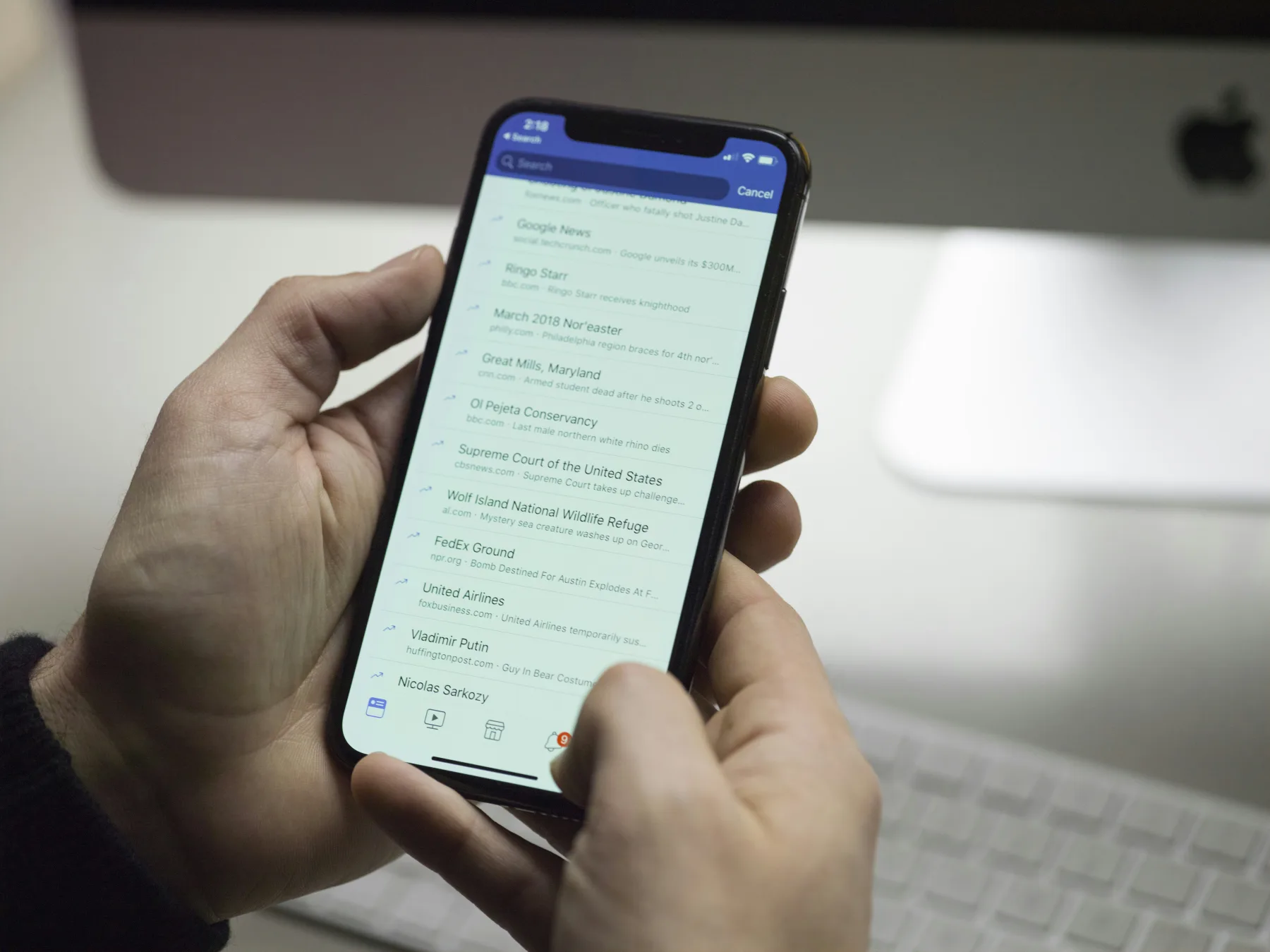
Found a property on ManilaOpenHouse that ticks the boxes? Don't let it sit in your tabs. Open the listing, take a good look at the details, and press Inquire — your message goes straight to the person who posted it. Here's exactly how that works, and what to include so you get a fast, useful reply instead of silence.

The Inquire button: what it actually does
Think of the Inquire button as the front door of a listing. Everything before it — the photos, the price, the floor plan — is you window shopping. The moment you click Inquire, you're knocking, and the person on the other side (the owner, the agent, or the broker who posted the property) gets your message directly.
There's no waiting room, no ticketing system, no "sandali lang" hold music. It's a straightforward message that lands with the poster so they can get back to you.

How to send an inquiry, step by step
- Open the property page. Click through from search results or a shared link to the full listing.
- Read the details first. Price, floor area or lot size, location, and inclusions (parking slot, furnishing, appliances) are usually right there on the page — reading them before you message saves everyone a round of back-and-forth.
- Click the Inquire button. You'll usually find it near the price or contact section of the listing.
- Fill in your message and contact details. A short note about what you're looking for, plus a number or email where you can actually be reached.
- Send it. That's it — your inquiry is on its way.

What happens after you hit send
The poster receives your inquiry through the site's notification channels, so it doesn't just sit unread in a dashboard somewhere. From there, it's between the two of you: they can reply by phone, email, or whatever contact details you left, the same way any real estate agent answering a call from an interested buyer would.

Response times vary — a busy agent juggling several listings might take a bit longer than an independent owner checking their phone between meetings. If a few days pass with no word, a polite follow-up inquiry is completely fair game.

What to put in a good inquiry
A one-line "still available?" gets a one-line answer, if you get one at all. A slightly more detailed message tends to get a slightly more detailed — and faster — reply. Consider including:
- Your intended use. Are you looking to buy or to rent? This changes the entire conversation, so lead with it.
- Your timeline. Ready to move now, or planning a few months out? Sellers and landlords appreciate knowing where you're at.
- Questions about availability. Listings can go stale, especially popular ones, so it's fair to ask upfront if the unit is still on the market.
- A preferred viewing schedule. Weekday evenings, weekends, whatever works for you — mentioning it early speeds up scheduling later.
- Any must-know details. Parking needs, pets, whether you need the place furnished or unfurnished — the sooner these come up, the fewer surprises down the line.
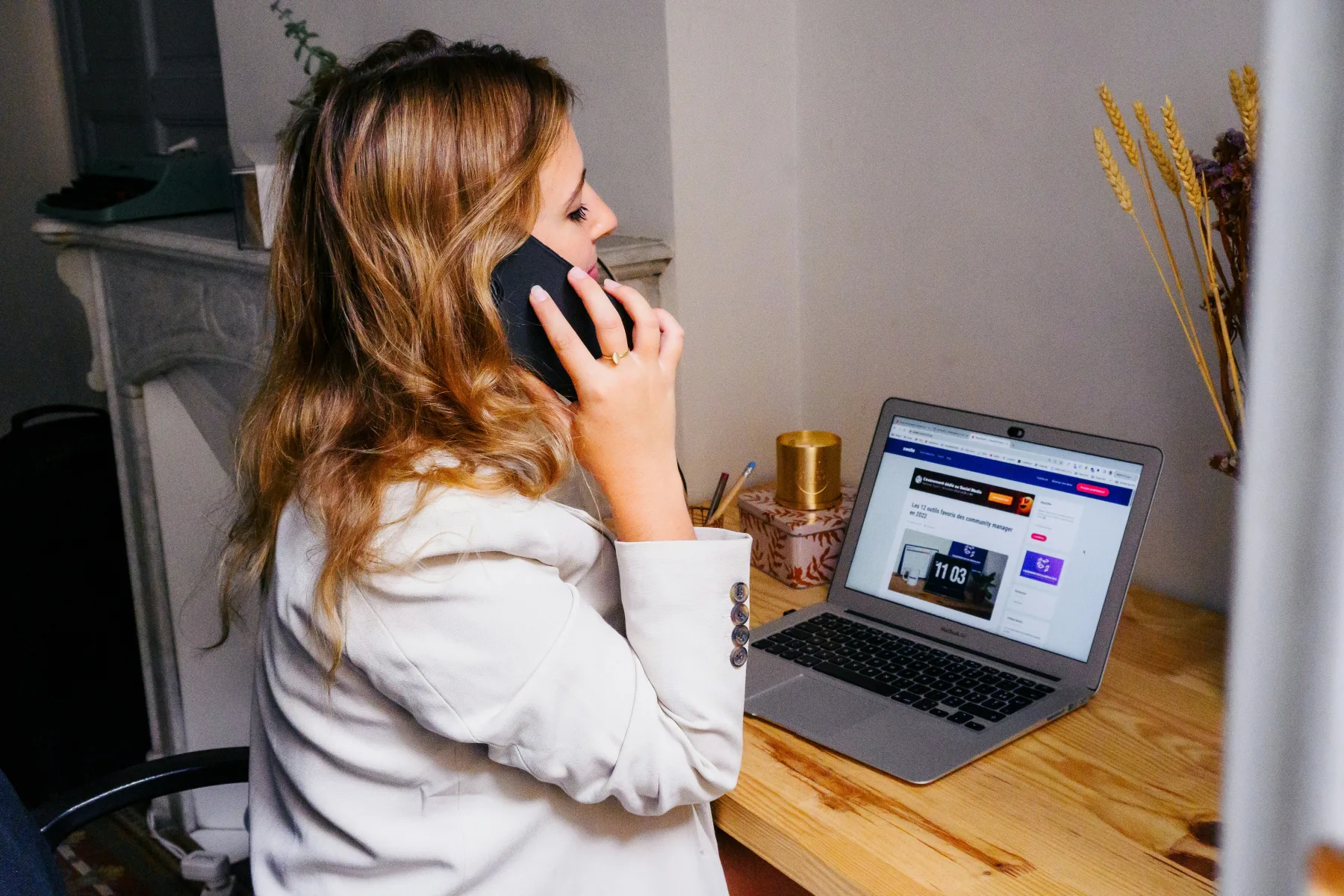
The short version: the more useful context you give, the more useful a reply you'll get back.
A few etiquette and safety reminders
Real estate moves fast in Metro Manila, especially for well-priced units near business districts, but that's never a reason to skip due diligence. A few habits worth keeping:

- Keep communication on clear, professional terms — you're building trust with someone you'll likely be dealing with for weeks or months.
- Never send payments, reservation fees, or deposits before you've verified the property's documents and actually seen the place in person. If you're unsure what to check, our post on Site Inspection basics and our guide to the CTC of Title are good starting points before any money changes hands.
- If something feels rushed or off — pressure to pay immediately, reluctance to let you view the unit — treat that as a signal to slow down, not speed up.
One more tip: don't put all your eggs in one inquiry
It's smart to inquire on two or three similar listings before you start scheduling viewings. Comparing responses side by side — how quickly people get back to you, how complete their answers are, whether the unit still matches what was posted — gives you a much better feel for your options than pinning your hopes on a single reply.

This isn't about playing sellers against each other; it's simply how any careful buyer or renter shops, whether for a condo in BGC or a house on the outskirts of Quezon City.
Ready to send your first inquiry?
Browse the current listings on manilaopenhouse.com, find a property that fits what you're after, and give the Inquire button a try. It only takes a minute, and it's the fastest way to turn a listing you like into an actual conversation.

Watch
Photos








Related articles
 ▶ Video
 Stop Sending 20 Photos: Show It All in One Property Post
Still sending a dozen photos and a wall of text every time someone asks about your property? There is a simpler way. One ManilaOpenHouse post holds everything,…
 ▶ Video
 One Page, One Property: A Better Way to Showcase a Listing
A great property deserves the spotlight to itself. That's the whole idea behind ManilaOpenHouse's approach: one page, one property. No scrolling past twenty…
 ▶ Video
 Easy to Post: Why Listing on ManilaOpenHouse Is So Fast
Ever started listing a property online, gotten three screens deep into a registration form, and just... closed the tab? You are not alone, and it is exactly…