

A regular listing tells buyers what your property is. A Premium Property on ManilaOpenHouse shows them — with a fast-loading page, an SEO-ready description that actually gets found on Google, real photos and walkthrough videos, an interactive map of everything nearby, and instant alerts the moment someone inquires. If you have ever wondered why some listings feel like a proper property tour and others feel like a classified ad, this is the difference. Here is everything Premium includes and how to set one up.
What exactly is a Premium Property?
Think of a standard listing as your property's ID photo — accurate, but not exactly flattering. A Premium Property is the full portrait: a dedicated, richer listing page built to give buyers and investors a complete, almost walk-in-person view of a single property, before they ever set foot inside it.
It is still the same ManilaOpenHouse listing flow you already know, just with a set of upgrades layered on top once you flip the Premium switch.
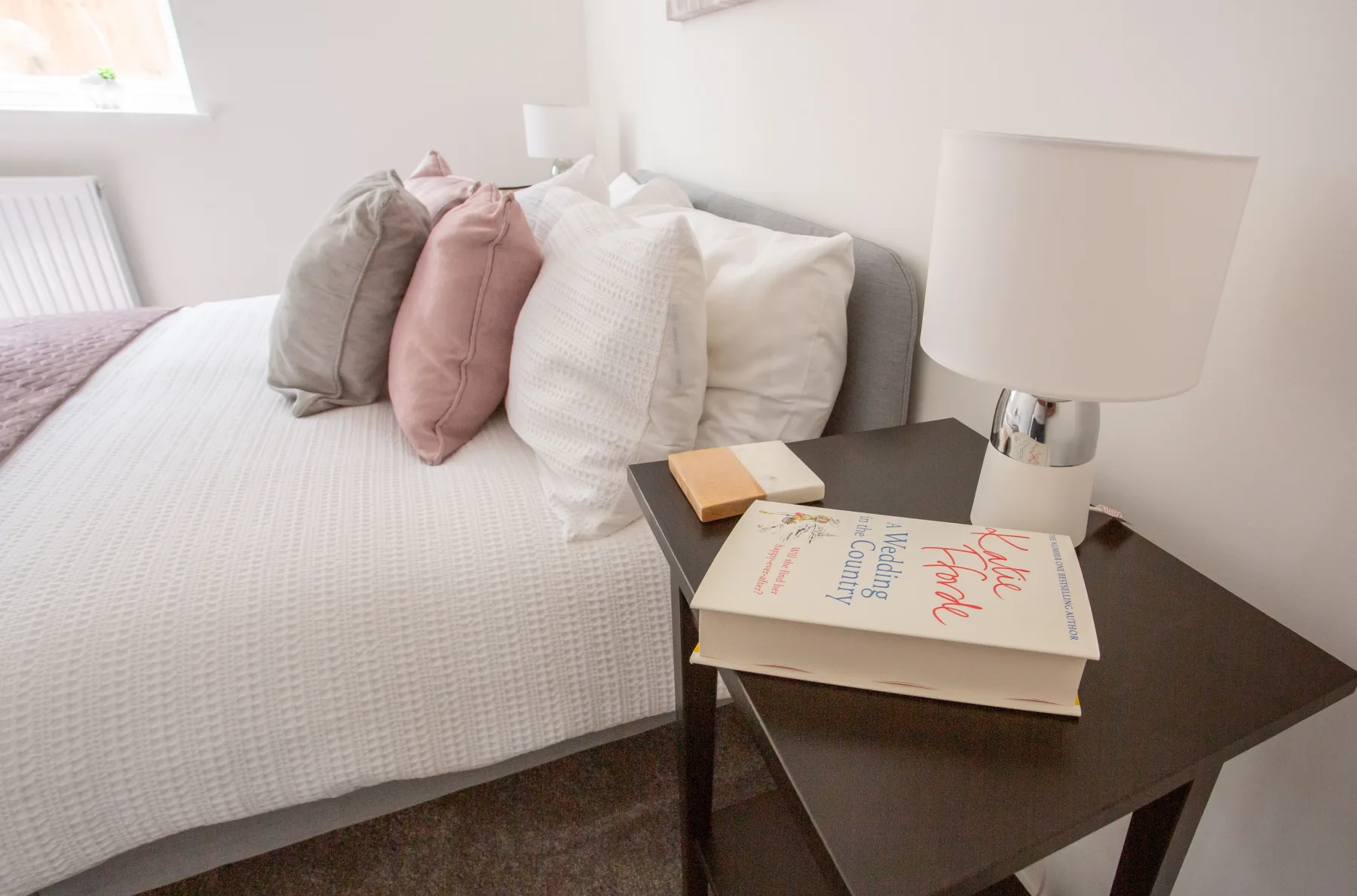
Fast-loading pages
Nobody scrolls through a slow listing while stuck in EDSA traffic on a spotty signal, and Premium pages are built to load quickly even on that same 4G connection. A page that opens fast is a page that actually gets read to the end — which matters more than it sounds, because most inquiries happen on mobile.
SEO-ready descriptions
Premium listings come with descriptions written to be found, not just read. That means the kind of detail search engines (and serious buyers) are actually looking for — location, unit type, key features — instead of a vague one-liner. A well-written description is doing marketing for you 24 hours a day, long after you have stopped thinking about the listing.
Beautiful photo galleries
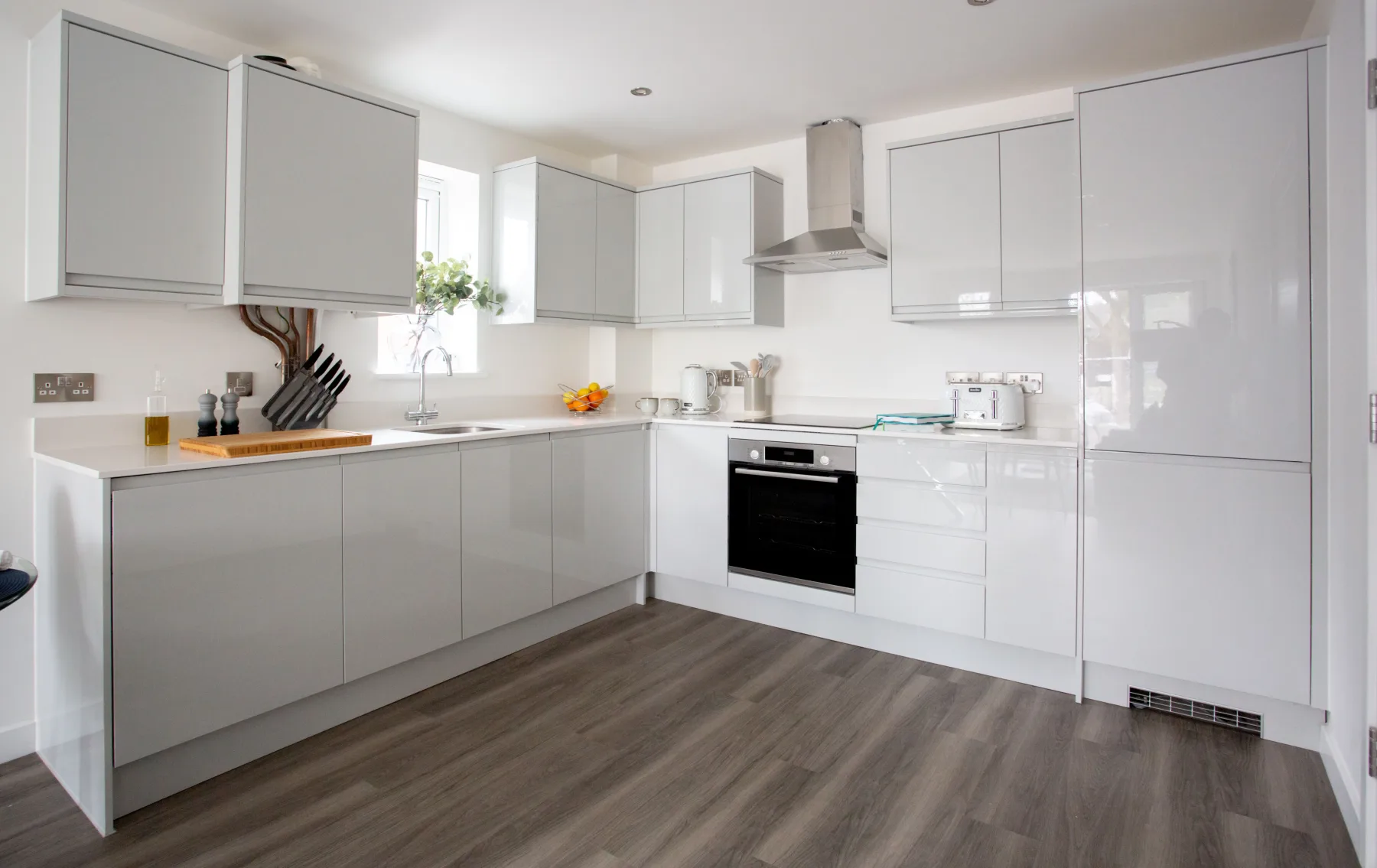
Buyers decide whether to keep scrolling within seconds, and photos are almost always what makes that call. Premium supports a full, organized gallery so a two-bedroom condo unit does not have to compete with a five-photo listing when it deserves twenty good ones.
Walkthrough videos
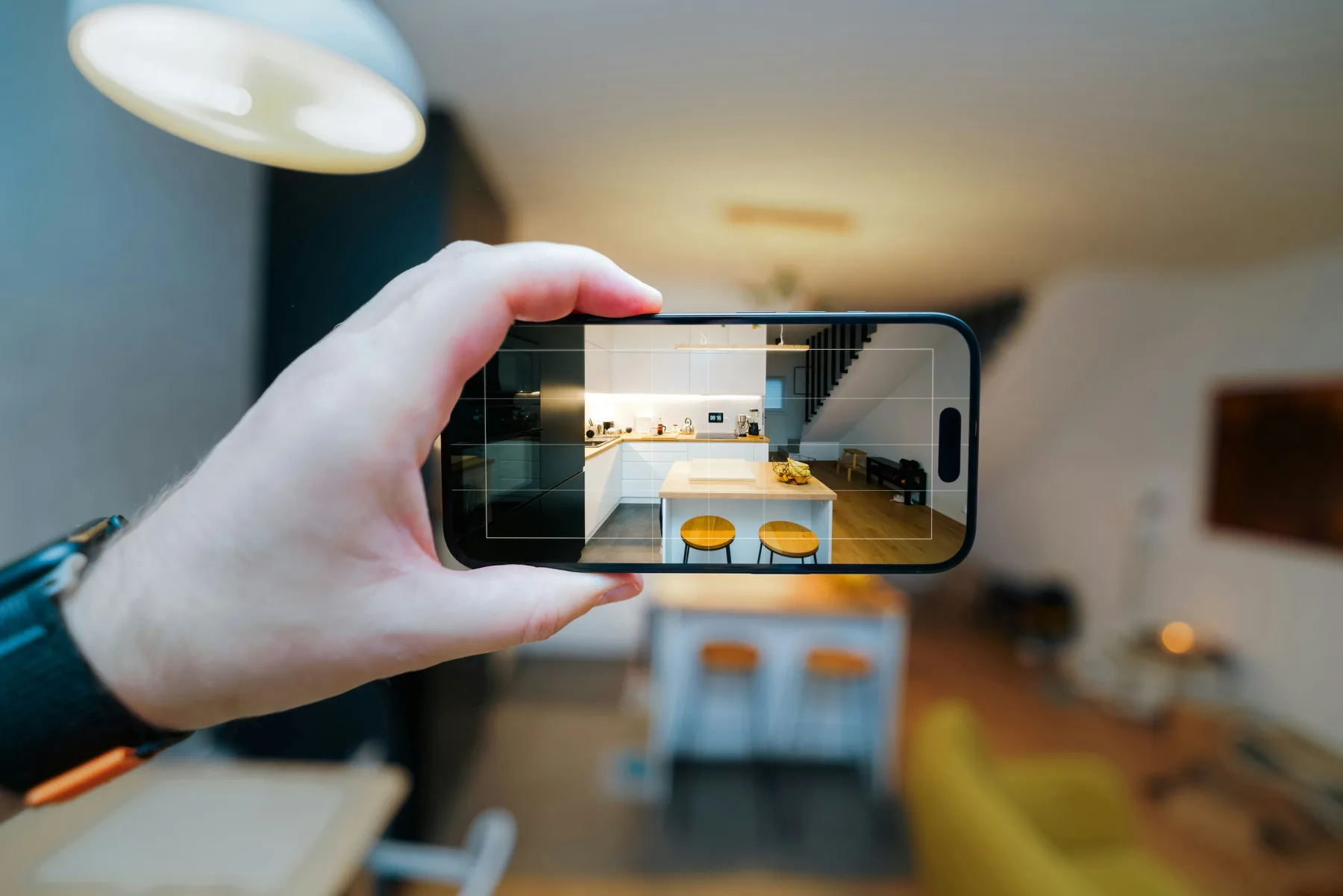
A gallery shows a property. A walkthrough video lets someone feel the flow of it — how the living area opens into the kitchen, how much natural light comes through in the afternoon, whether the bedroom actually fits a queen bed comfortably. For overseas buyers especially, a short video can do the work of an actual site visit until they can fly in.

Interactive maps with nearby establishments
Location sells property, but "near everything" is not information — a map is. Premium listings include an interactive map that plots the nearby schools, malls, hospitals, and transport links a buyer actually cares about, so they can judge the neighborhood for themselves instead of taking your word for it.

Estimated travel times
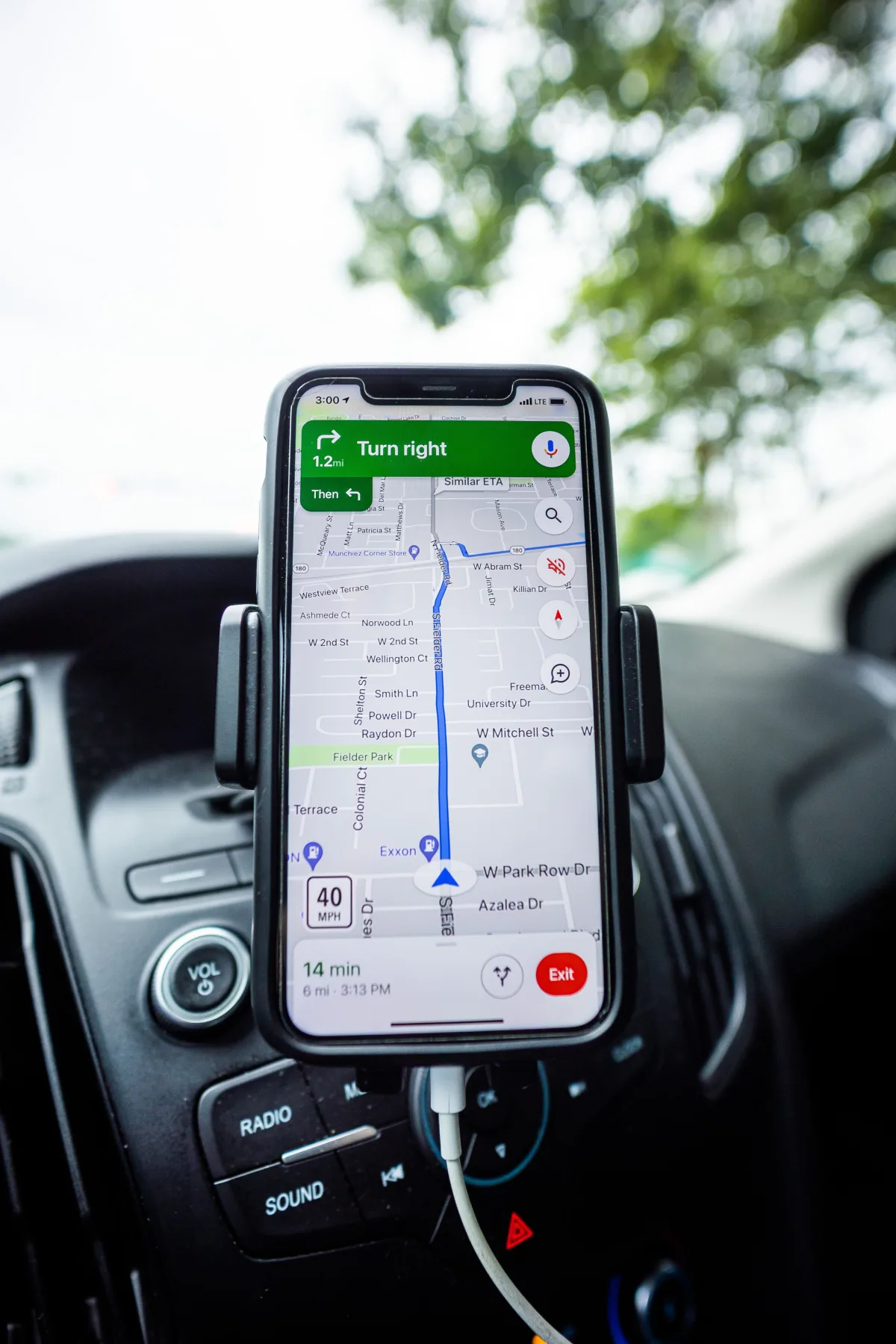
Paired with the map, Premium also shows estimated travel times to those nearby points — the difference between "close to BGC" and "about 15 minutes from BGC." For a market where commute time is practically a lifestyle decision, that single detail can be what convinces a buyer to book a viewing.

Multiple languages and currencies
A meaningful share of property buyers and investors in the Philippines are based overseas or transacting in a currency other than pesos. Premium listings can present pricing and details in multiple languages and currencies, so a buyer in Singapore or the US can read the numbers the way they actually think about them, without doing mental conversion math.
SMS and email inquiry notifications
None of the above matters if an inquiry sits unread for two days. Premium listings send you SMS and email notifications the moment a buyer reaches out, so you can reply while their interest is still warm — which, in real estate, is often the whole difference between a lead and a closed deal.

Who Premium is really for
- Sellers and lessors who want to attract serious, decided buyers rather than casual browsers.
- Brokers marketing a flagship unit that deserves more than a standard entry.
- Overseas buyers and investors who rely on the currency and language options to evaluate a property properly from abroad.
How to set one up
Getting a Premium Property live is a short extension of the listing flow you already use:
- Post your property the normal way first (see our How To Post guide if you have not done this before).
- On your listing, select the Premium option.
- Add your walkthrough video, drop pins for the nearby establishments you want shown on the map, and fill in the extra details Premium asks for.
- Save, and your upgraded listing page is live.
The exact buttons and steps may shift slightly as we polish the platform, so always follow what you see on the actual posting screen — it is the source of truth, not this article.
A few tips for a genuinely great Premium post
- Shoot a short, simple walkthrough video — even a steady phone recording beats no video at all.
- Write an honest, specific description. "Bright two-bedroom unit with west-facing balcony" beats "must see, will not last" every time.
- Add the landmarks buyers genuinely ask about — the nearest school, hospital, mall, or train station — rather than every establishment within a five-kilometer radius.
The takeaway: a Premium Property does not just describe your listing, it lets buyers experience it — and that is usually what turns a browser into an inquiry.
Ready to give your property the fuller treatment? Create or upgrade your listing on manilaopenhouse.com and see the Premium option for yourself.
Watch
Photos






Related articles
 ▶ Video
 Stop Sending 20 Photos: Show It All in One Property Post
Still sending a dozen photos and a wall of text every time someone asks about your property? There is a simpler way. One ManilaOpenHouse post holds everything,…
 ▶ Video
 One Page, One Property: A Better Way to Showcase a Listing
A great property deserves the spotlight to itself. That's the whole idea behind ManilaOpenHouse's approach: one page, one property. No scrolling past twenty…
 ▶ Video
 Easy to Post: Why Listing on ManilaOpenHouse Is So Fast
Ever started listing a property online, gotten three screens deep into a registration form, and just... closed the tab? You are not alone, and it is exactly…