
Got a property to sell or lease? The hardest part used to be showing it off — sending twenty photos one by one over Viber, hoping the price and location didn't get lost somewhere between messages. Once your listing has its own page on ManilaOpenHouse, all of that disappears. You just send one link, and the person on the other end sees everything: photos, price, location, and a button to inquire right then and there.
Start with the plus button
Everything begins the same way. Head to ManilaOpenHouse.com, look for the plus (+) button, and click it to start a new property listing. That's the same button we walk through step by step in our full How to Post guide, so if you haven't listed a property with us yet, that's the place to start. Fill in the details, add your photos, and once you save it, your property officially has a home online.
Every listing gets its own dedicated page
Here's the part that makes sharing so much easier. The moment your listing is live, it gets its own dedicated property page — its own web address, separate from every other listing on the site. Open that page and you'll see the photos in order, the unit or lot details, the price if you've set one, the general location, and an Inquire button sitting right where a curious buyer or tenant will see it.
Think of it as the property's own little storefront. You're not asking someone to dig through a folder of pictures and piece the story together themselves — the page already tells it, in the right order, on any device, whether they're on a phone during their commute or on a laptop at home.
How to actually share it
Once the page exists, sharing it is refreshingly simple:
- Copy the link straight from your browser's address bar while you're viewing the listing page (or use the share option on the page if one is available).
- Paste it anywhere — a Viber chat, a Messenger conversation, a Facebook post or group, an email, even a plain SMS.
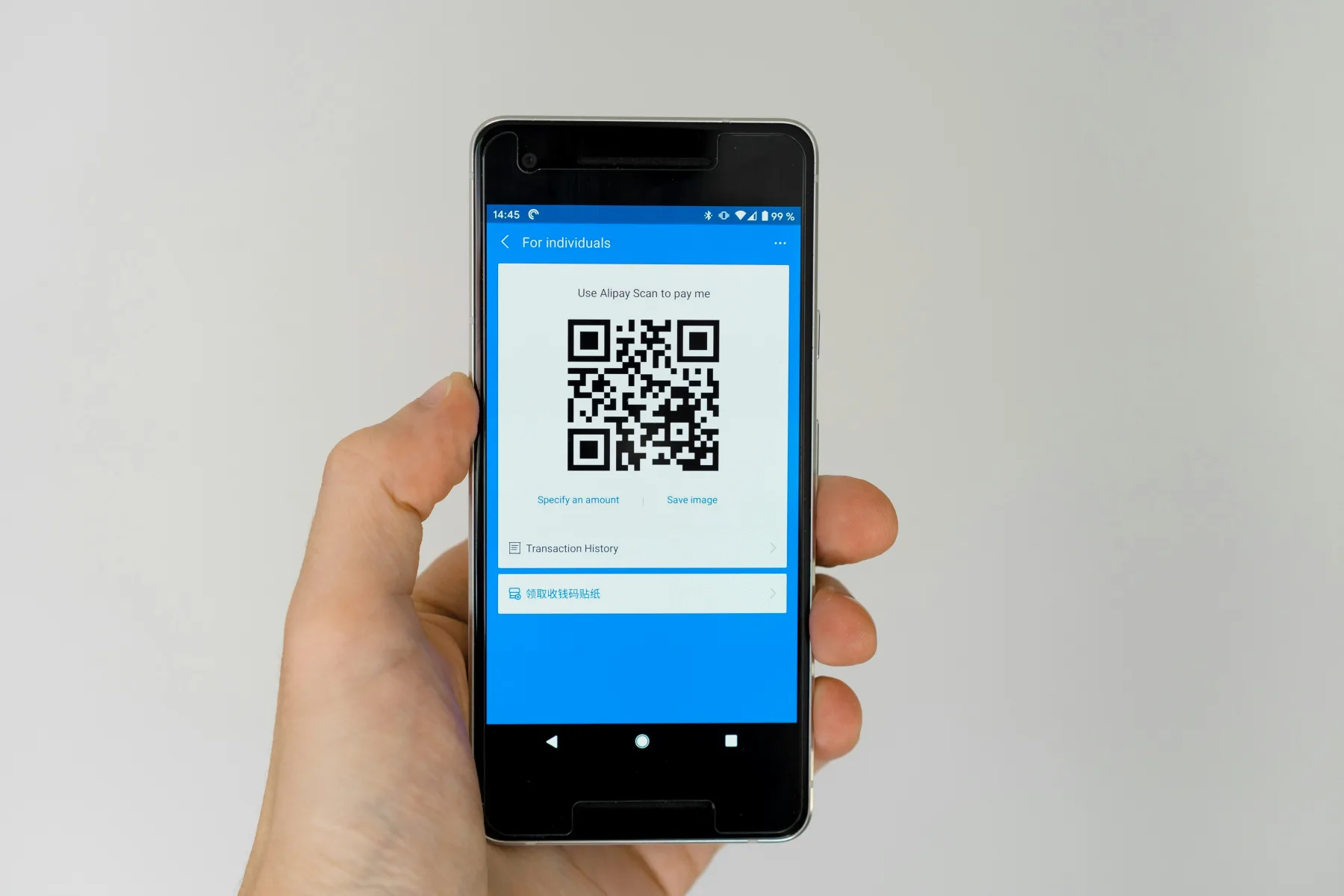
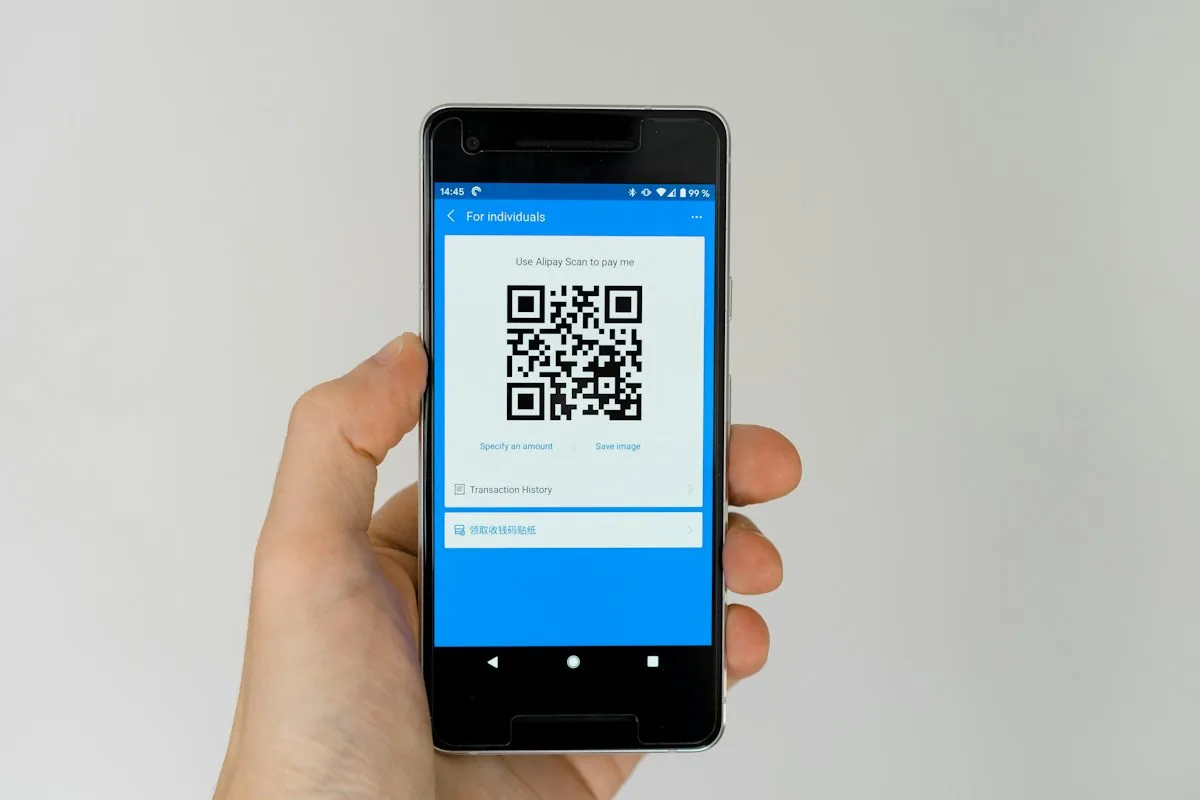
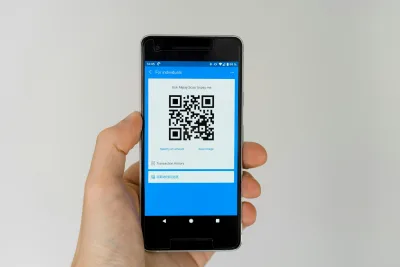
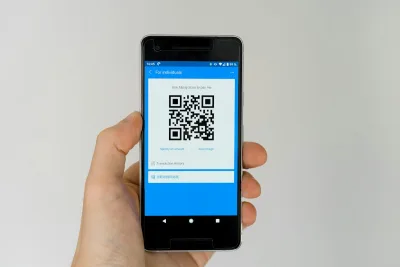
- Print it as a QR code if you want something physical, like a tarpaulin outside the property or a flyer at the guardhouse. Anyone with a phone camera can scan it and land straight on the listing.
No app installs, no logins required for the person you're sending it to. They just tap the link and the property page opens.
Why one link works better than a photo dump
We get it — for years, the default was to just forward whatever photos you had. But a pile of images in a chat thread loses the story. Which unit is this again? What floor? Is this the one with the balcony? A dedicated link solves that by design.
- The recipient sees the full picture — photos, details, price, and location — in one continuous view, not scattered across separate messages.
- It works the same whether they open it on an Android phone, an iPhone, or a desktop browser.
- There's an Inquire button sitting right there, so if they're interested, they can reach out immediately instead of hunting for your number in an old message thread.
A few tips that make the link work harder for you
Once you're in the habit of sharing the link instead of the photos, a few small habits go a long way:
- Put it in your bio. Add the link to your Facebook page, Instagram bio, or Viber profile so anyone browsing your profile can find the listing without asking you for it.
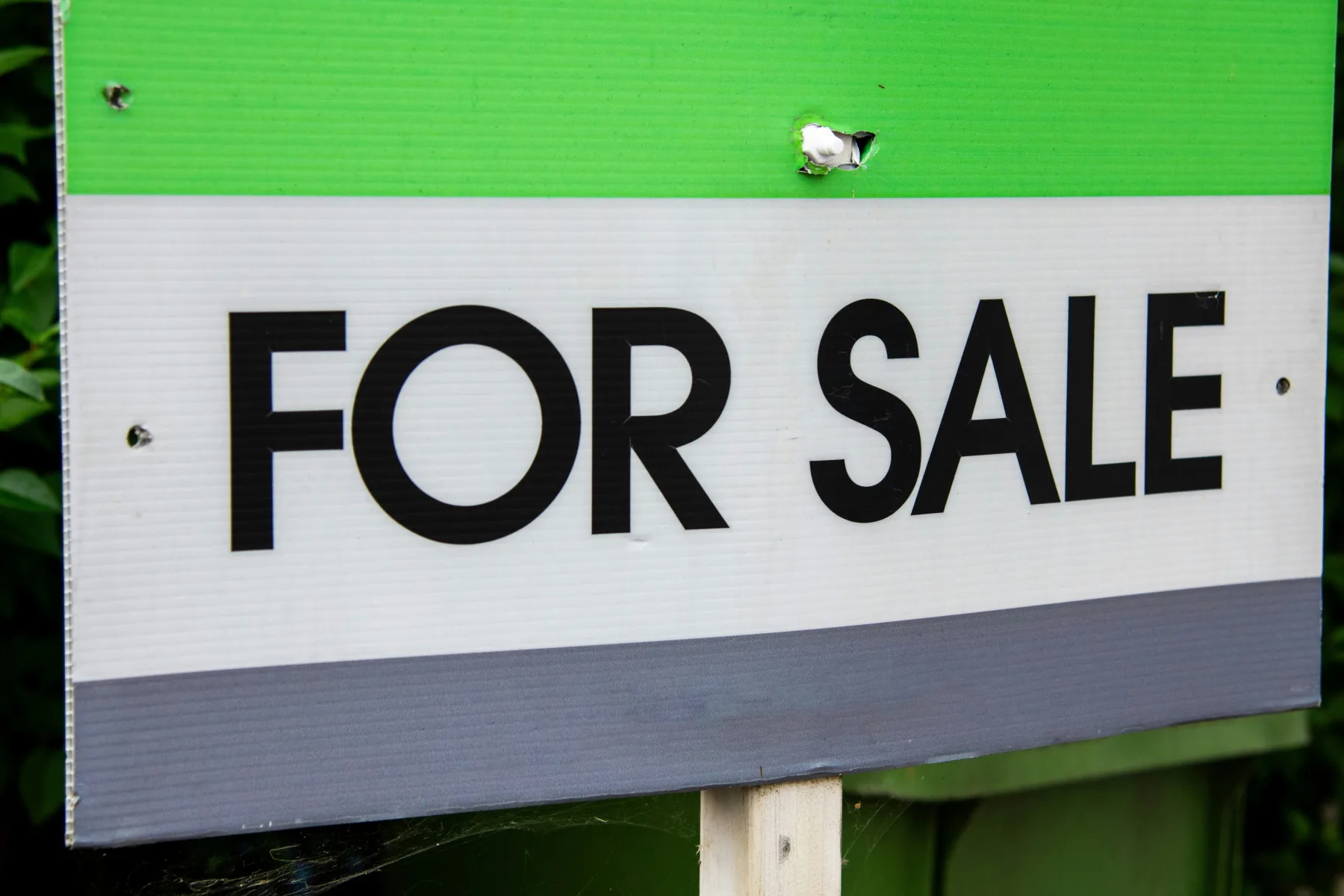
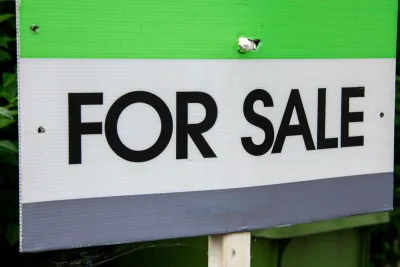
- Use it on signage. If you're printing a tarpaulin or a for-sale sign for the property itself, put the QR code or the link right on it. Someone walking or driving by can pull out their phone and see the full listing on the spot — no need to call first just to ask "how much" or "ilang square meters ba."
- Update the page, don't resend photos. Got new photos, a price adjustment, or updated availability? Update the same listing instead of sending a fresh batch of pictures to everyone you've already talked to. The link stays the same — whoever has it will always see the current version.
The takeaway: once your property has a page on ManilaOpenHouse, one link does the work that twenty forwarded photos used to do — and it works everywhere your buyers already are.
Haven't posted your property yet? Head over to manilaopenhouse.com, click that plus button, and get your own dedicated page started today — then start sharing the link wherever it makes sense for you.
Watch
Photos
Related articles
 ▶ Video
 Stop Sending 20 Photos: Show It All in One Property Post
Still sending a dozen photos and a wall of text every time someone asks about your property? There is a simpler way. One ManilaOpenHouse post holds everything,…
 ▶ Video
 One Page, One Property: A Better Way to Showcase a Listing
A great property deserves the spotlight to itself. That's the whole idea behind ManilaOpenHouse's approach: one page, one property. No scrolling past twenty…
 ▶ Video
 Easy to Post: Why Listing on ManilaOpenHouse Is So Fast
Ever started listing a property online, gotten three screens deep into a registration form, and just... closed the tab? You are not alone, and it is exactly…