
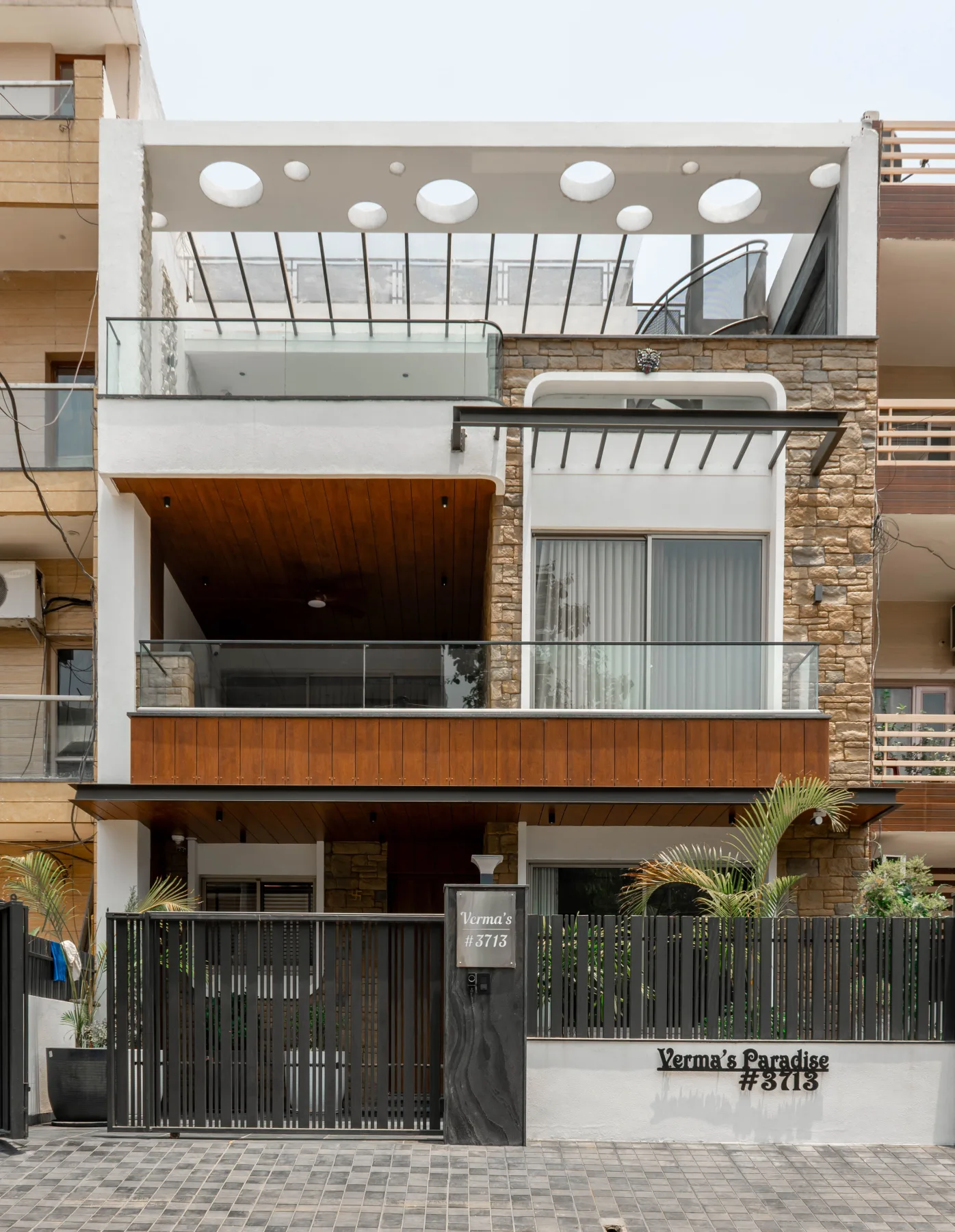
Somebody asks "can you send me the details?" and you know the drill: a scattered album of photos, a paragraph typed out from memory, maybe a screenshot of a screenshot, all sent across three different chat threads because you can't remember which one you used last. What if the answer was just one link? That's the whole idea behind giving your property its own webpage on ManilaOpenHouse: a single, professional page that shows everything clearly, beautifully, and memorably, and that you can hand over in one tap.

Every property deserves its own address
Think about how most listings actually live online today. A post buried in a Facebook group feed. A message thread in Viber that scrolls away after the third reply. A folder of photos nobody can find two weeks later. The property is real, the interest is real, but the presentation is scattered across five different apps.
A dedicated property webpage flips that. Instead of your listing being one more post competing for attention in somebody's feed, it becomes its own destination — a page that exists specifically for that unit, that house, or that lot, and nothing else. When you're ready to show it to someone, you're not digging through your phone. You're sending one link.
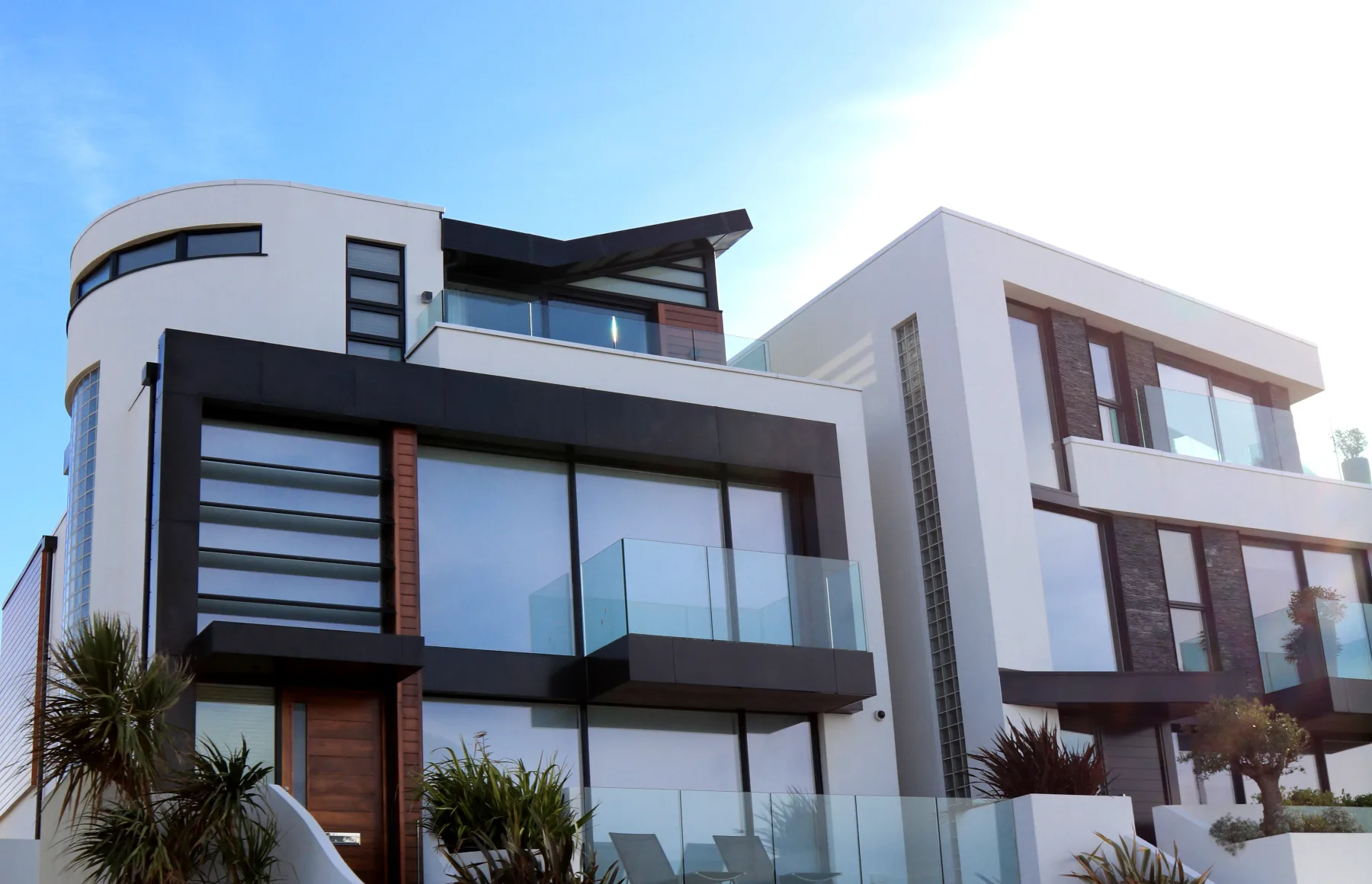
What actually shows up on the page
A ManilaOpenHouse property page is built to answer the questions a serious buyer or tenant will actually ask, laid out so nothing gets missed:
- Photos — the visual walkthrough, front and center
- Details — the specifics of the unit or property itself
- Price — so there's no back-and-forth just to get a number
- Location and map — because "somewhere near the highway" never closes a deal
- An Inquire button — one clear next step, instead of "just message me"
And it's laid out to work whether the person opens it on a laptop at their desk or on their phone while riding a Grab home from work — which, in Metro Manila traffic, is exactly when most people actually read these things.
Clearly, beautifully, memorably
Those three words aren't just a nice slogan — they describe three separate jobs the page has to do.
Clearly means structure. Photos, price, location, and the way to reach you are exactly where a reader expects them, so nothing important gets lost the way it does in a wall of text or a messy photo dump.
Beautifully means the property actually gets to look like itself. A well-lit house or a bright condo unit deserves a page that presents it the way you'd present it in person, not a compressed image squeezed into someone else's feed.
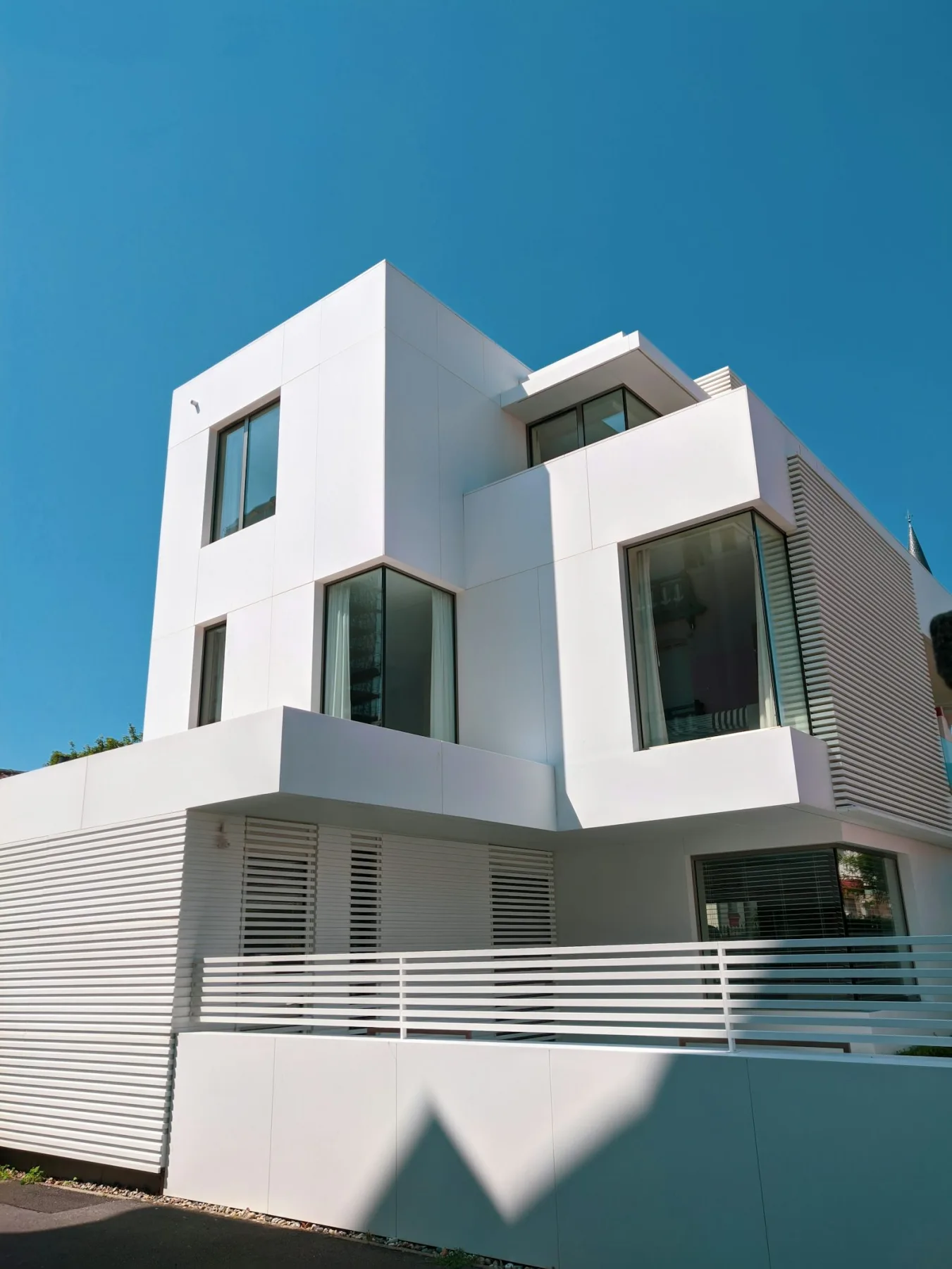
Memorably means the link itself is the takeaway. A tab someone bookmarks, a URL someone forwards to their spouse without needing to re-explain the property from scratch — that's the difference between a listing that gets remembered and one that gets scrolled past.
One link, everywhere you already talk to people
Here's the part that makes this genuinely useful day to day: the link is portable. Paste it into Viber. Drop it in a Messenger chat. Post it in a Facebook group. Put it in an email or a text message. Print it as a QR code on a "For Sale" or "For Lease" sign outside the property itself, so anyone walking by can scan their way straight to the full listing.

It's the same link every time, and it's always up to date — no need to re-send new photos every time you take better ones, because the page just gets updated in place. Say goodbye to five different versions of the same listing floating around in five different chats.

Who this is for
This isn't built for one type of seller — it works the same way whether you're:
- An owner selling your own property without an agent
- A broker juggling several listings at once who needs each one to stand on its own
- A lessor advertising a unit for rent and fielding inquiries from multiple platforms
In every case, the value is the same: less time re-explaining the property, more time actually talking to interested buyers and tenants.
How to get yours
Getting a property its own page starts with the same "+" button you'd use to post any listing on ManilaOpenHouse — walk through it and your page is generated for you, ready to share the moment it's live. If you want a walkthrough of the posting flow itself, our How To Post guide covers it step by step.
Want to go further? A Premium upgrade adds video and an interactive map to the page, giving serious buyers even more reason to stay on it instead of asking you follow-up questions one message at a time.
The takeaway: your property deserves a real home online — one clear, beautiful, easy-to-share page, not a scattered trail of chat messages.
Ready to see it for yourself? Head over to manilaopenhouse.com and create your property's webpage today — or browse what other owners and brokers have already posted to see the format in action.
Watch
Photos


Related articles
 ▶ Video
 Stop Sending 20 Photos: Show It All in One Property Post
Still sending a dozen photos and a wall of text every time someone asks about your property? There is a simpler way. One ManilaOpenHouse post holds everything,…
 ▶ Video
 One Page, One Property: A Better Way to Showcase a Listing
A great property deserves the spotlight to itself. That's the whole idea behind ManilaOpenHouse's approach: one page, one property. No scrolling past twenty…
 ▶ Video
 Easy to Post: Why Listing on ManilaOpenHouse Is So Fast
Ever started listing a property online, gotten three screens deep into a registration form, and just... closed the tab? You are not alone, and it is exactly…